
For elementary MTSS and PBIS teams Records that make team conversations easier
Dated, timed observations replace end-of-week memory. Counselors, teachers, behavior specialists and school teams work from the same facts.
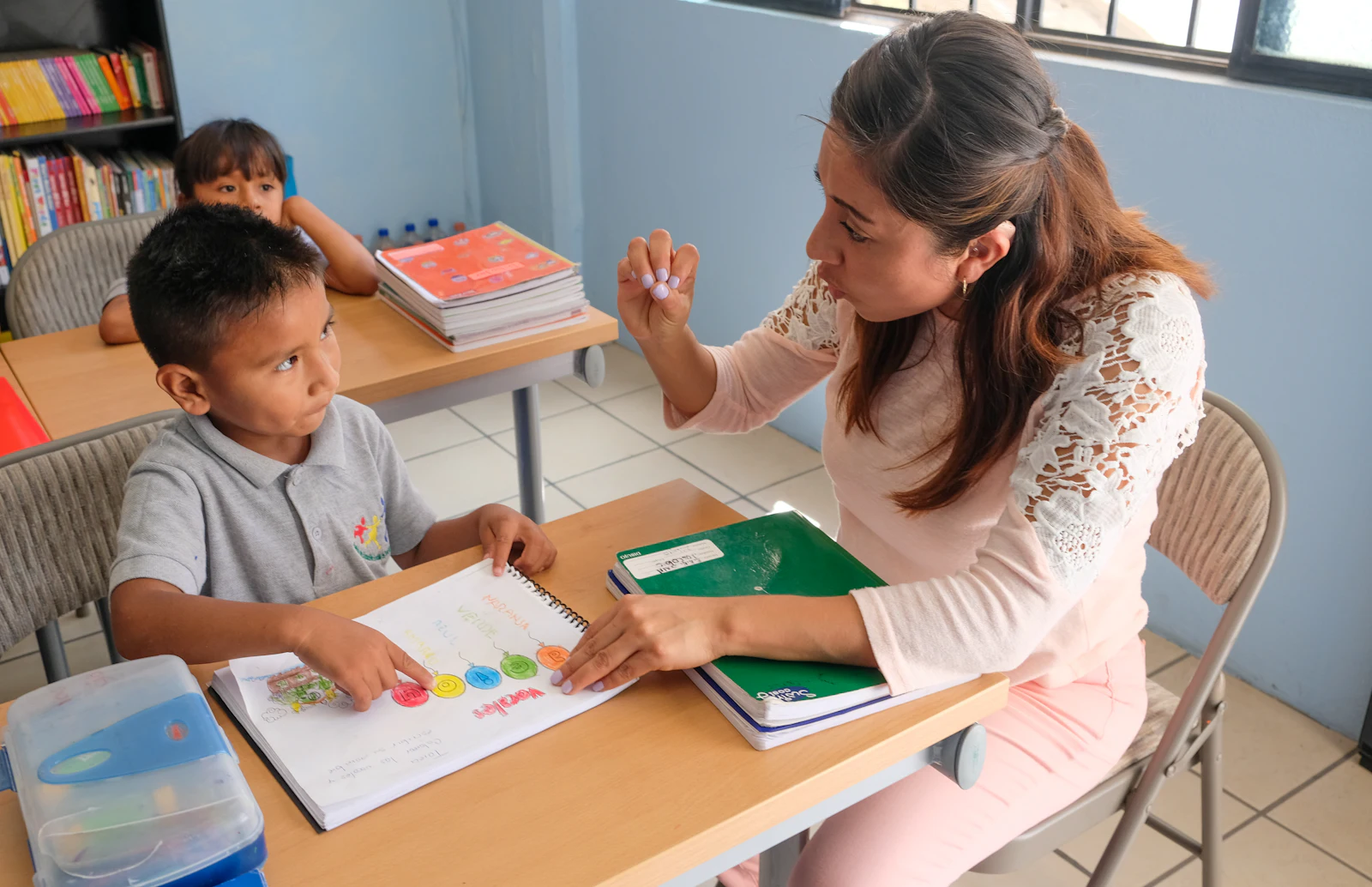

Teachers
Tap during the moment and add details later. Walk into a meeting with times and patterns, not a guess.

Counselors
Capture a hard moment as it happens, in the hallway or your office, and bring a clear timeline to the team.
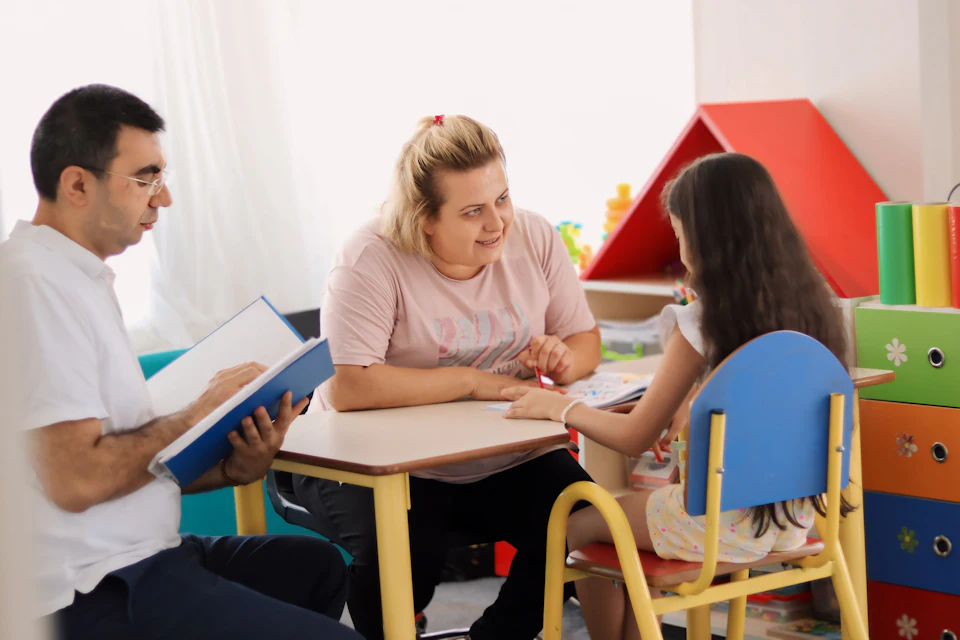
Behavior specialists
See whether an intervention is shortening escalation, across every student you support.

School teams
Behavior overviews and behavior reports for MTSS meetings come from the school's own Sheet, with access set by the school.
Built for the meetings you already hold
- Intervention reviews
- Before and after an intervention started: sessions per week, minutes to regulated and minutes escalating.
- The behavior section of MTSS reports
- A suggested behavior tier for every student from the last 4 weeks, refreshed each hour from new exports. Academic screening, progress monitoring and attendance stay in the systems you already use. The team decides.
- Family-report drafts
- A plain-language starting point that staff review and edit before anything is shared.
Last 4 weeks: 2 sessions a week, no safety events. A prompt for discussion; the team decides.
- Sessions per week
- Before4Since2
- Average minutes to regulated
- Before11mSince5m
- Average escalating minutes
- Before6.8mSince1.9m
- Most common triggers
- Transition (9), Task demand (4)
- Where
- Classroom (10), Hallway (3)
- When
- Late morning (7), Afternoon (5)
What teachers and families receive
The same records become a plain-language draft for the family and a short summary for each teacher.

- Asking for a break
- Deep breathing
- First/then card
Over the last 4 weeks, your child had fewer times needing extra support than the month before. It took about 5 minutes to feel calm and ready again, down from about 11.
Times needing extra support, by week- Practice the same calm-down steps at home when things are going well.
- Notice and praise when your child uses words to ask for a break.
Students are listed by classroom number and badge.
- Room 12 #7Quiet cornerTier 2improving2.0 /wk
- Room 12 #12—Tier 1steady0.5 /wk
- Room 14 #3Check-in/check-outTier 3increasing3.5 /wk
Suggested behavior tiers come from the last 4 weeks of sessions. The MTSS team decides.
Reports stay in the school's Google Workspace
Sharing follows the school's own Google rules. Names appear only in the restricted Roster tab and the reports made from it.